

51908, used by rctl and the SDK) and SIP signaling (TLS on 5061, WSS on 5063). This guide uses the fonoster/routr-one image. Notes for split deployments and Kubernetes follow at the end.
TLS protects signaling only. Routr is not a media server and doesn’t encrypt RTP. Media encryption, if any, is negotiated between the endpoints.
Prerequisites
- A running routr-one container. See Deploy with Docker.
- OpenSSL, if you generate your own certificates.
- A DNS name for the server if you use certificates from a public CA.
How Routr uses certificates
Both services read certificates from/etc/routr/certs inside the container.
At startup, the container converts
server.crt and server.key into signaling.p12, protected by PKCS12_PASSWORD. If server.crt or server.key is missing, the container generates a self-signed pair first.
Secure the server
1
Get a certificate
Use a certificate from a trusted CA (for example, Let’s Encrypt) for production. Browsers and many softphones reject self-signed certificates.For development, generate a CA and a server certificate signed by it. Set the
CN to the host name clients use.2
Mount the certificates and turn on TLS
Mount the files individually into Mount files, not the whole directory. The container writes
/etc/routr/certs, set TLS_ON to enable TLS on the API Server, and publish the TLS ports. The following compose.yaml shows the full service.compose.yaml
signaling.p12 into /etc/routr/certs and needs that directory to stay writable. Leave out the ca.crt line if your CA bundle is already in server.crt.3
Restart the server
Recreate the container so it rebuilds the keystore.
4
Verify SIP over TLS
Open a TLS connection to the signaling port. Replace the address with your server’s.
The output shows your certificate chain and a completed handshake.
5
Connect rctl over TLS
Drop the The SDK takes the same settings through the
--insecure flag. With a self-signed certificate, pass your CA with --cacert. With a certificate from a trusted CA, no flag is needed. The host in --endpoint must match the certificate’s CN.cacert option. See Manage resources with the Node.js SDK.Configure a softphone for TLS
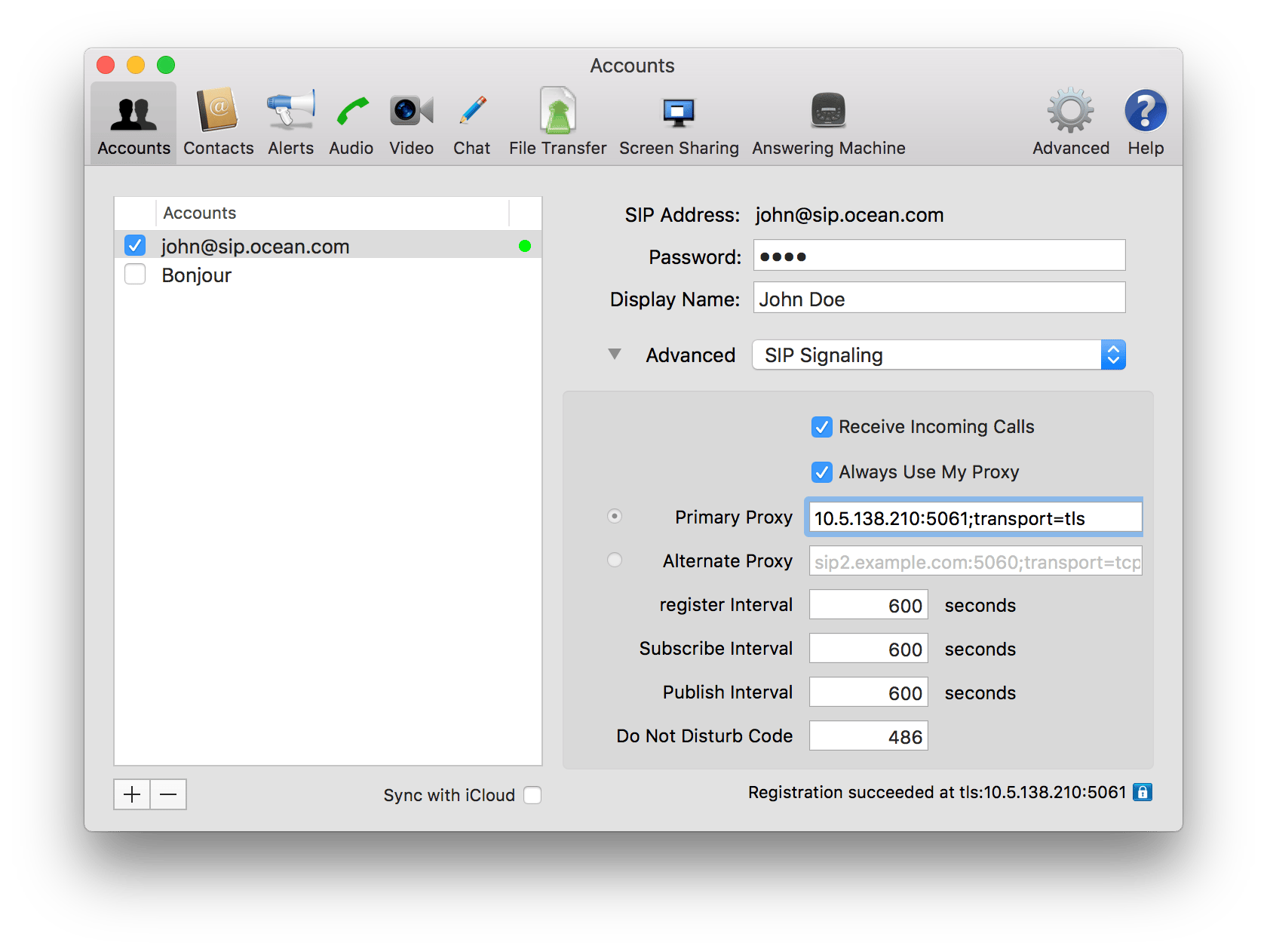
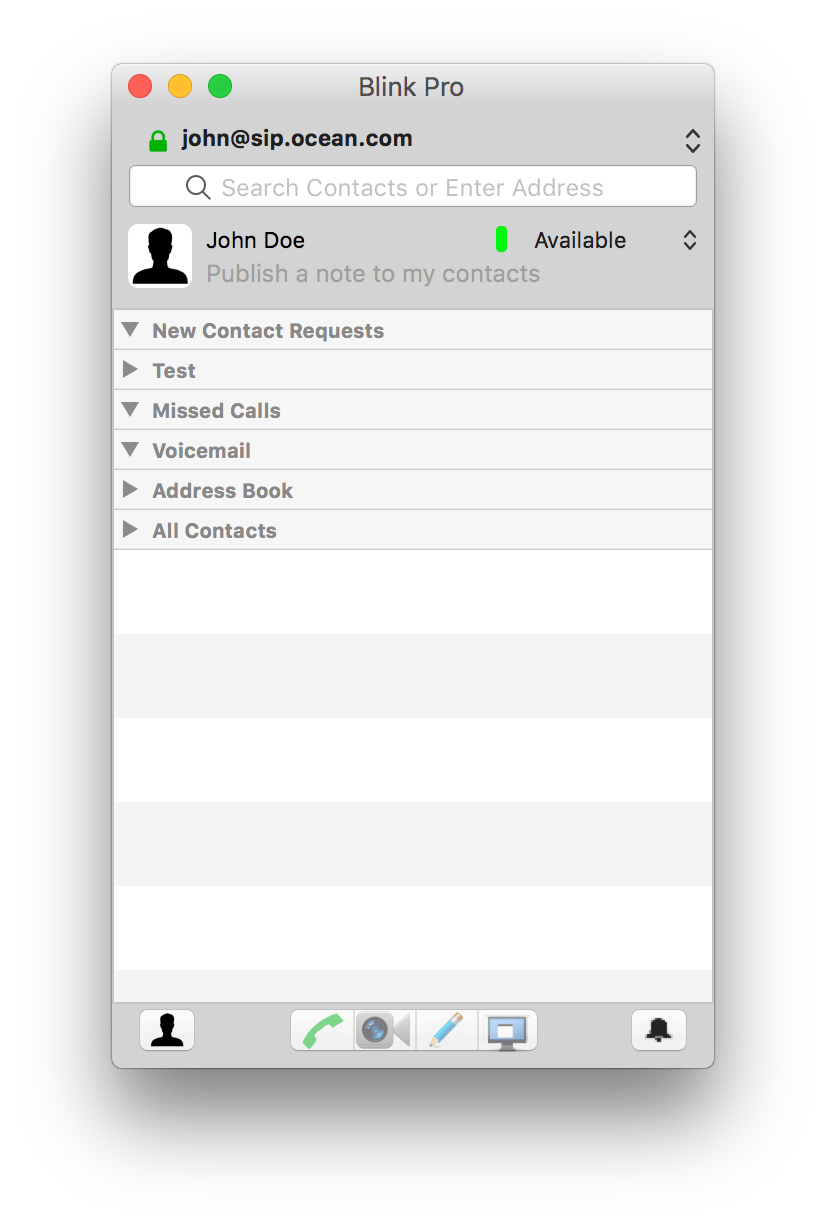
Point the softphone’s outbound proxy at port5061 with transport=tls. The exact field name depends on the softphone. In Blink Pro, open the account, choose Advanced > SIP Signaling, and set Primary Proxy to <host>:5061;transport=tls.
Require client certificates (optional)
To make the API Server accept only clients with a certificate signed by your CA, mountca.crt and set VERIFY_CLIENT_CERT to "true". Clients must then present a certificate on every connection.
Other deployments
- Split Docker deployment. The
fonoster/routr-edgeportimage buildssignaling.p12from/etc/routr/certs/server.crtandserver.keyat startup, the same way routr-one does. Pointspec.securityContextinedgeport.yamlat the keystore. To build a keystore by hand, run.scripts/convert-to-p12.sh <cert-dir> <password>from the repository;npm run convert:certsruns it and moves the result toetc/certs/. - Kubernetes.
apiserver.tlsOndefaults totrueandedgeport.transport.tls.enabledturns on SIP over TLS. Changeedgeport.pkcs12Passwordfrom its default. The chart has no value for mounting your own certificate, so the containers generate self-signed certificates at startup. See Helm values.
Troubleshooting
rctlreports a certificate error. The endpoint host doesn’t match the certificate’sCN, or you used a self-signed certificate without--cacert.- Browsers refuse the WSS connection. Use a certificate from a trusted CA. See Enable WebRTC clients.
- The EdgePort fails to load the keystore.
PKCS12_PASSWORDmust be the same value the keystore was built with. Recreate the container after changing it.
Related
Environment variables
TLS_ON, VERIFY_CLIENT_CERT, and the certificate paths.EdgePort reference
Transports and the security context.